 Skip to content
This guide walks you through the steps to what are the invoice formats in Workshop Software. This is a common task when managing your day-to-day invoicing and job card workflow.
The invoice formats are different layouts that printed invoices can take. These different layouts can show more/less information and can present this information in new ways. The workshop can also add its own company logo to the invoice, check out how to do this here: Add my company logo to invoices The invoice formats are as follows: 1. Notes At Top: This invoice template inserts the invoice notes that relate to the job above the products instead of below. 2. Default (B&W)
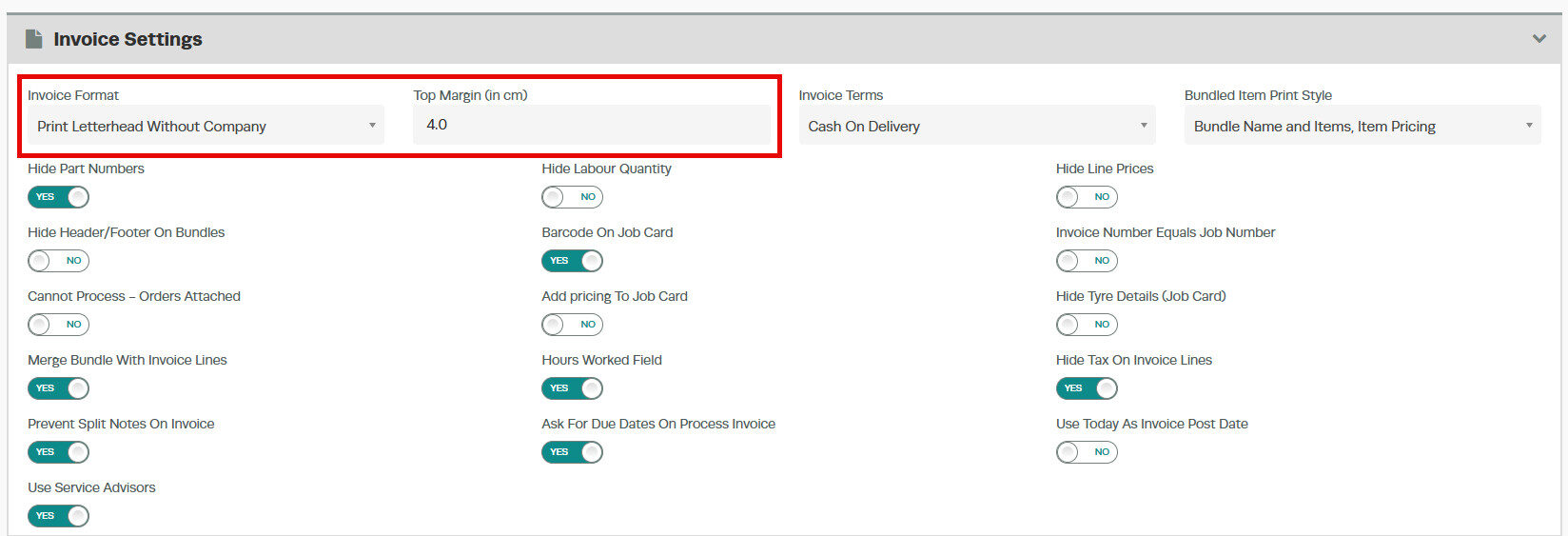
  3. Print Letterhead Without Company: you are able to adjust the margin to suit pre-printed paper. This is designed for workshops with pre-printed paper that not only have a logo but also the company details and information as it will not display the workshops company information.
 4. Print Labour Style: This invoice format will always insert the labour product as the top heading, if there are multiple labour products they will also be in bold and as headings.
 5. Print Letterhead With Company: this invoice template will allow for pre-printed paper as well as keeping the full company name on the invoice.
 6. Print Original
  7. Print Stretched: This template stretches the workshops logo across the top of the invoice.
 8. Default (Colour)
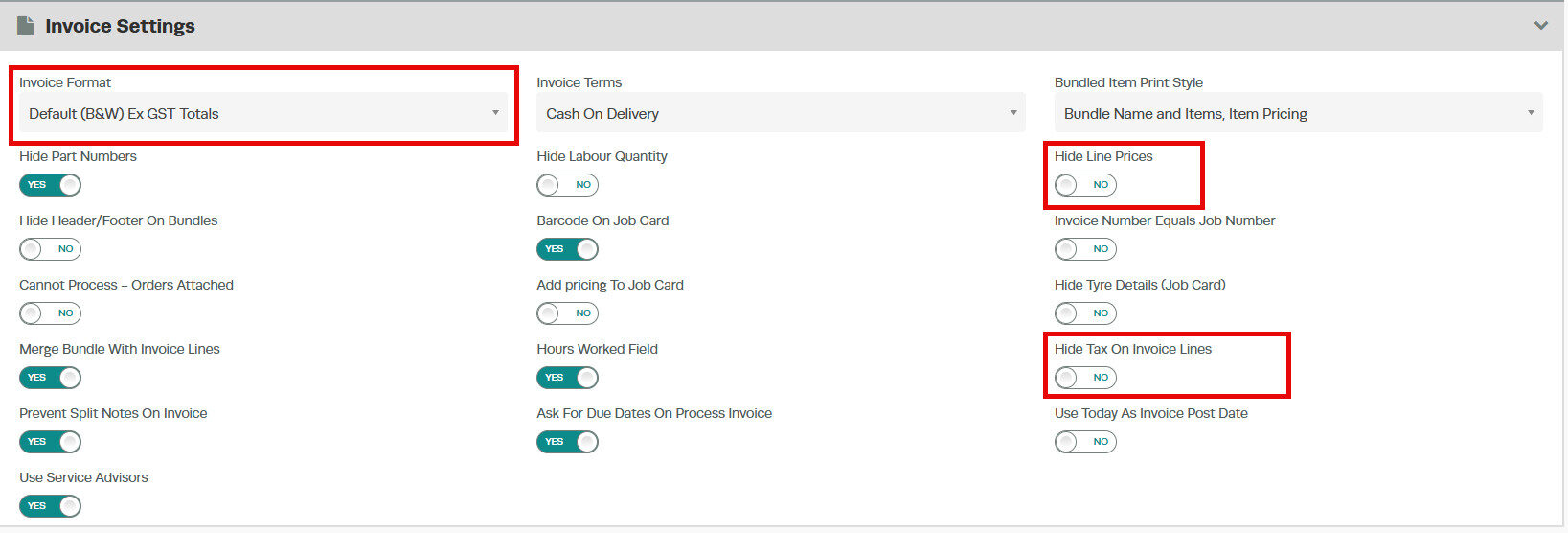
  9. Print Default (B&W) Ex GST Totals: This invoice format prints invoice with the unit price total showing Excluding GST in bold

Good to Know
- You can print, email, or SMS the invoice to your customer once it is ready.
- Review your settings periodically to ensure they still match your workshop’s current workflow.
Frequently Asked Questions
Where do I find this setting in Workshop Software?
Navigate to Settings in the left-hand menu. The specific option is described in the steps above.
Can I change this setting back later?
Yes. This setting can be changed at any time by following the same steps and adjusting the option as needed. Remember to click Save after making your change.
Can I undo this change to the invoice?
You can update the invoice again by following the same steps. If the invoice has already been finalised or synced to your accounting system, contact your administrator about the best approach.
