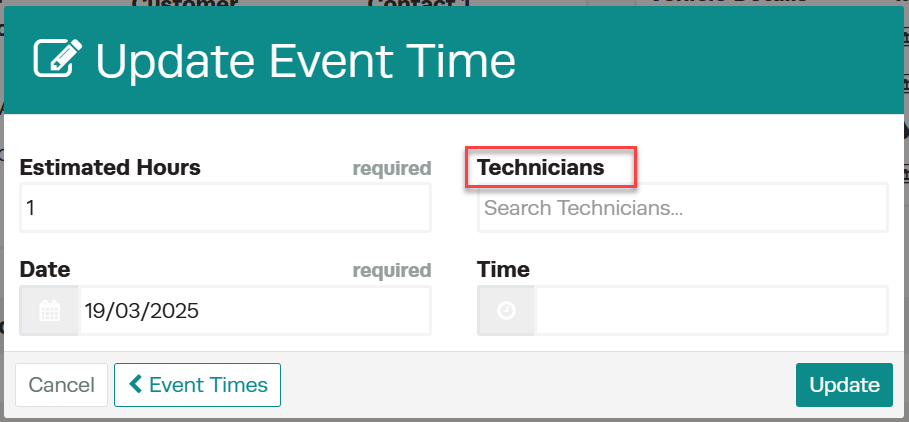
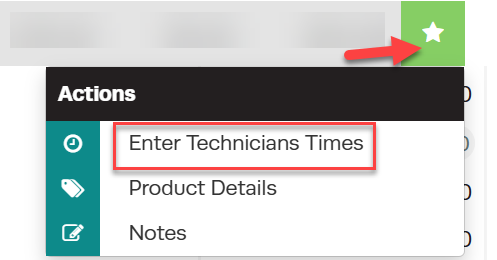
Variable Employee Title Name

Not all workshops use the term “Mechanic”—some may prefer Technician, Tradesperson, Boat Tech, Diesel Mechanic, or another title.

Workshop Software allows you to customize terminology to match your business needs. This feature ensures job titles reflect the specific roles in your workshop, creating a more tailored and professional experience.
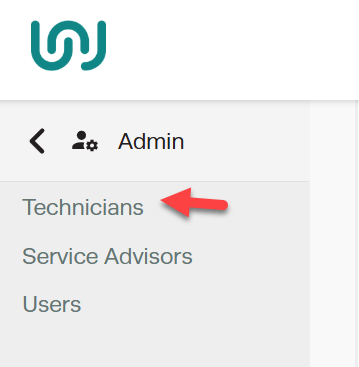
 

Workshop Software screen showing https://www.youtube.com/watch?v=5pemth3sk4k

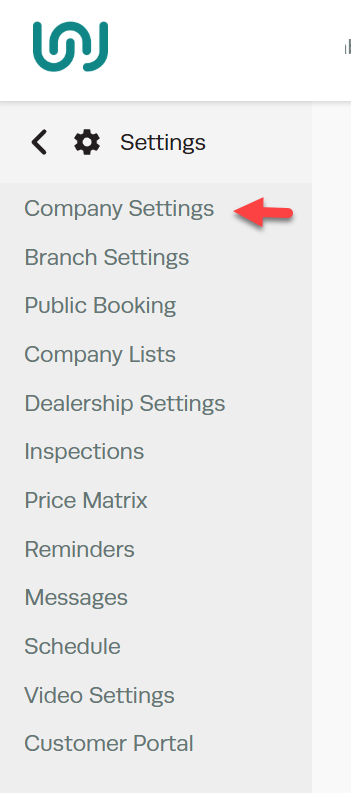
1. To set up the Employee Title Name, Go to Settings
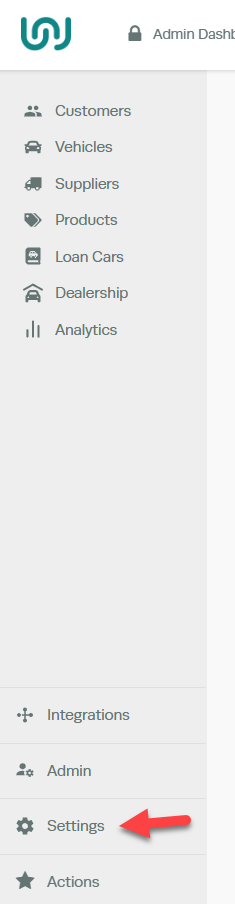
Workshop Software screen showing to set up the employee title name, go to settings

Company Settings 

Workshop Software screen showing company settings

Variable Labels > Enter the Employee Title Name > Save 

Workshop Software screen showing variable labels > enter the employee title name > save” class=”wp-image-14690″></figure>
<!-- /wp:image -->

<!-- wp:paragraph -->
<p></p>
<!-- /wp:paragraph -->

<!-- wp:paragraph -->
<p>Once the Employee Title Name has been saved, this will change all references from the default Mechanic to whatever you have chosen.</p>
<!-- /wp:paragraph -->

<!-- wp:list -->
<ul class=
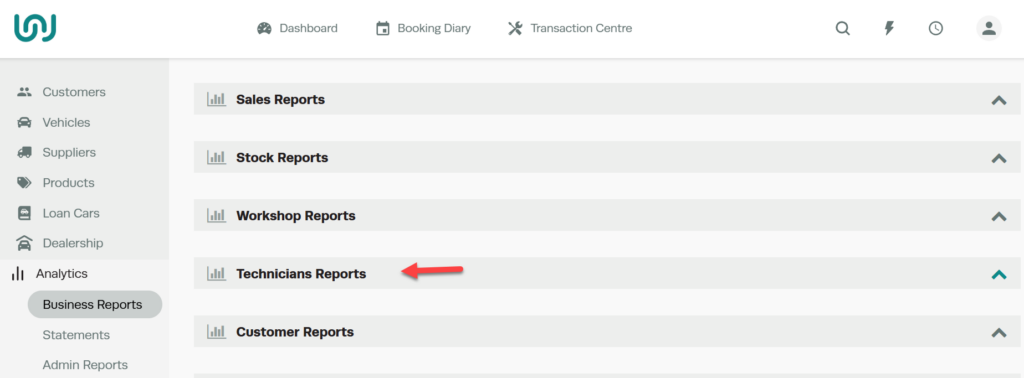
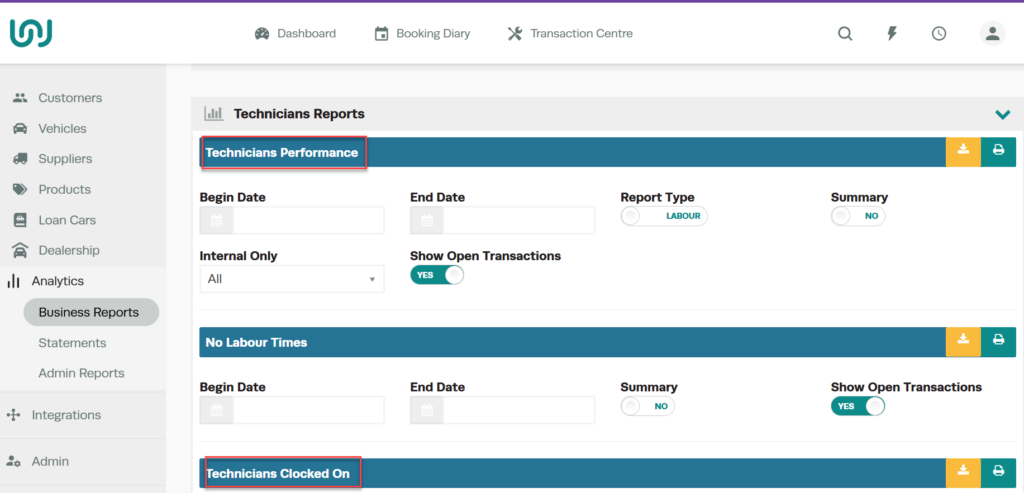
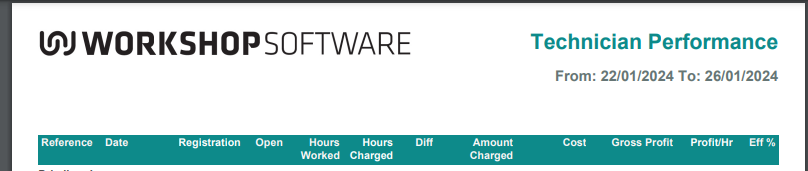
  • Reports
  • Workshop Software screen showing once the employee title name has been saved, this will change all references ...

    This will reflect on Reports 

    Workshop Software screen showing this will reflect on reports

    Workshop Software variable employee title name step 7 of 10

    Bookings


    Workshop Software variable employee title name step 8 of 10

    Invoices 


    Workshop Software variable employee title name step 9 of 10

    Workshop Software variable employee title name step 10 of 10


    Related Articles

    Also Explore