 Skip to content
The booking diary in Workshop Software helps you schedule and manage workshop appointments. This guide shows you how to delete a booking so your diary stays accurate and your team knows what is coming in.
Follow these steps to delete a booking in Workshop Software:
Locate the Booking
Access the Booking from the Booking Diary
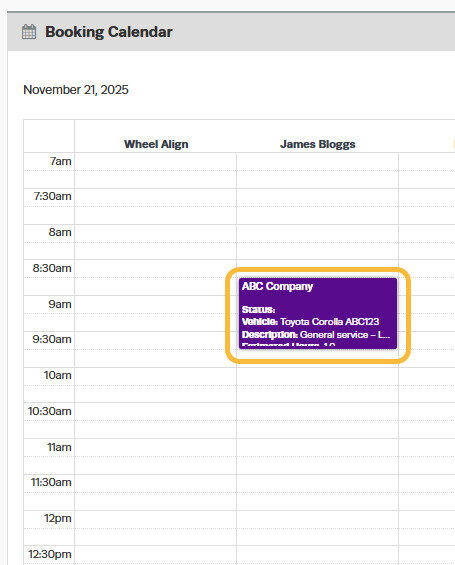
In Calendar View, locate the date of the booking; you can also click on the specific day in the Week or Day view to open the Customer Booking.
Use the Transaction Centre as an Alternative
From the main menu bar across the top of the screen, navigate to the Transaction Centre, select the Bookings tab to display all bookings, then locate and click on the desired booking to open it.

Delete the Booking
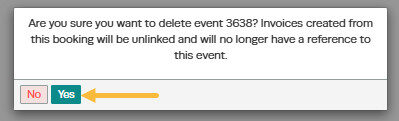
In the booking details page, scroll down the page and click the Delete button located in the bottom left-hand corner of the screen.

Confirmation
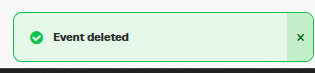
Once deleted, the booking will be permanently removed from your records and will no longer appear in the Booking Diary.
Frequently Asked Questions
Can customers see this in the online booking diary?
If you have the public online booking diary enabled, customers can book appointments through it. The settings you configure here control what is available in the internal and/or public diary. Check your online booking settings for customer-facing options.
Do I need a specific subscription level for this feature?
Some features in Workshop Software are available on specific subscription plans. If you do not see the option described in the steps above, check your current plan or contact the Workshop Software team to find out if an upgrade is required.
