 Skip to content
Integrating Xero Error: Unarchive A Customer In Xero with Workshop Software connects the two systems so data flows between them without manual entry. Once set up, this integration saves time and reduces the chance of errors when working across platforms. Follow the steps below to configure the integration.
Unarchiving a customer in Xero
If you get Error message customer has been archived
 You will need to unarchive the customer in xero
To do this > Log into Xero > Go to Contacts
You will need to unarchive the customer in xero
To do this > Log into Xero > Go to Contacts
 Select Archived
 This will bring up a list of contacts that have been Archived
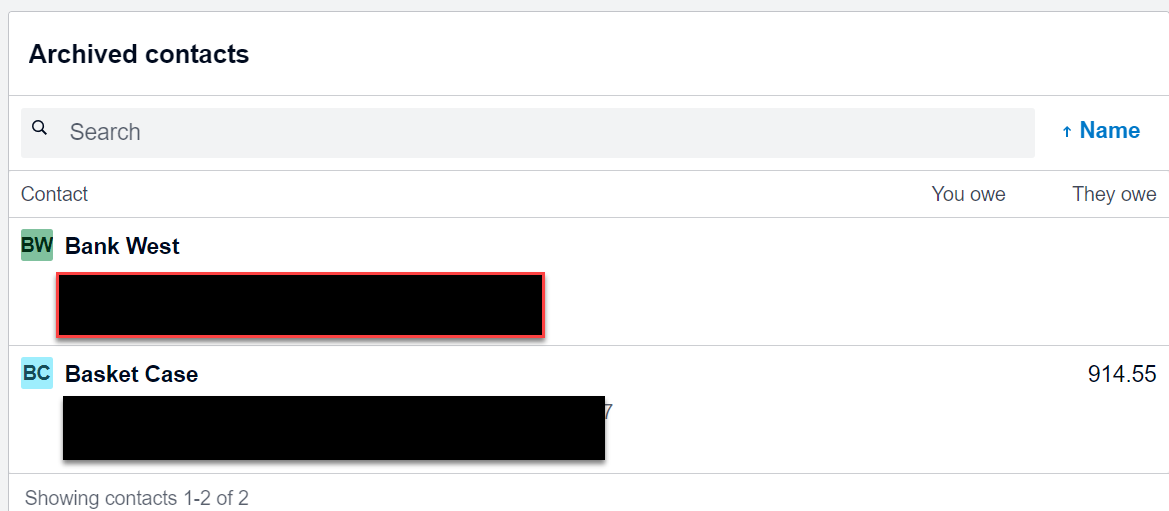 Double click on the customer’s name you wish to Unarchive.
This will then bring you to the customers profile
Press Restore
Double click on the customer’s name you wish to Unarchive.
This will then bring you to the customers profile
Press Restore
 A pop up window will then appear asking if you are sure you want to restore > Press Restore
 Xero Sync Error Message – Invalid status for modification