Skip to content
Most mechanical workshops have a website. It’s got your logo, your services, your location, maybe a phone number and a contact form. It does the job — but it’s essentially a digital business card.
That changes today.
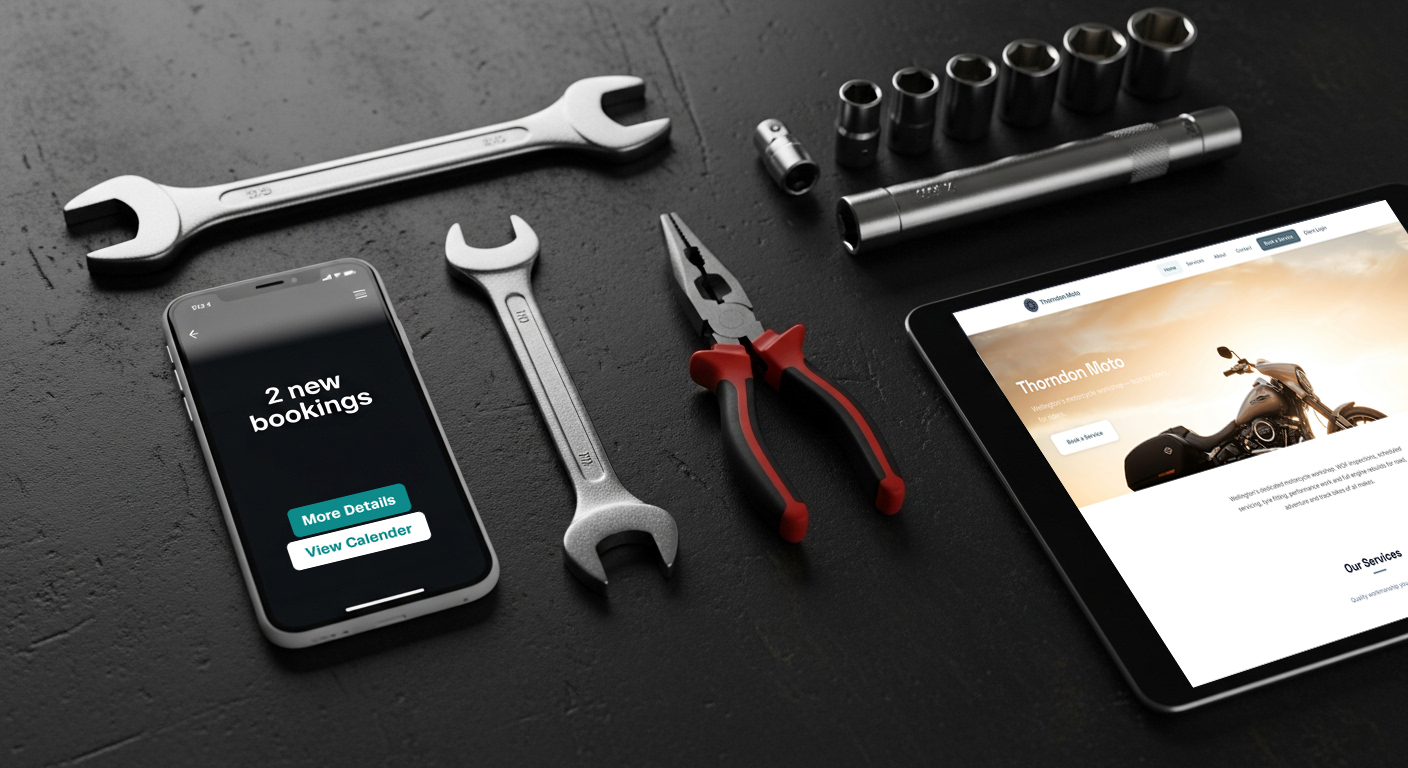
We’ve just released the Workshop Booking plugin for WordPress — and if your workshop already has a WordPress website, you can now add live online booking to it in minutes. No rebuilding your site. No switching platforms. No expensive developer. Just a booking widget that plugs straight into the website you already have, powered by your Workshop Software account.
What It Actually Does
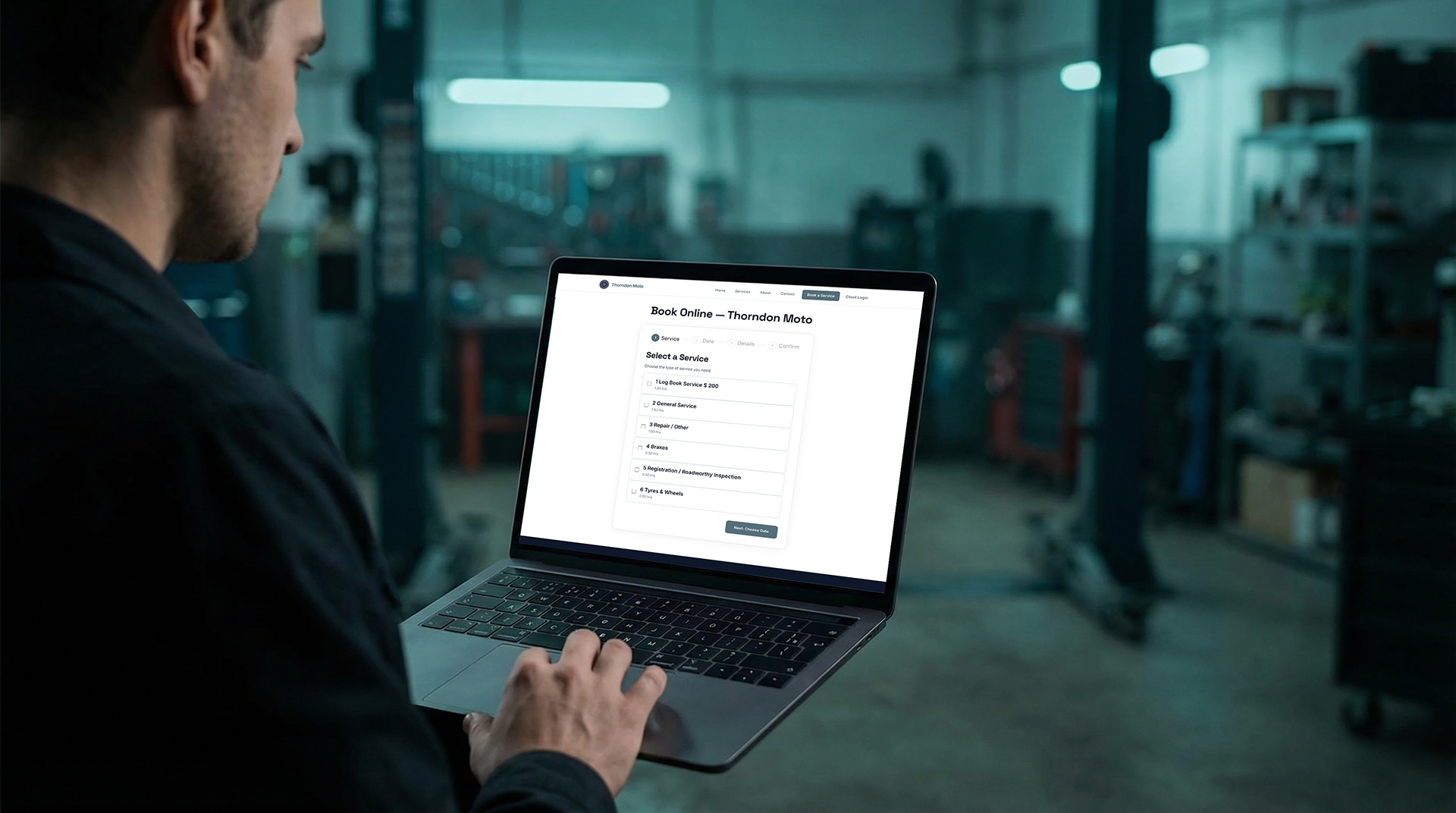
Once installed, the plugin adds a booking form to any page on your site. Customers visiting your website can:
- Browse your available services and appointment types
- Check real-time availability by week
- Choose a date that suits them
- Enter their contact details and vehicle registration
- Submit a booking request directly into your Workshop Software system
From your end, nothing changes. Bookings land in Workshop Software exactly as they always have — your team just shows up to find more of them already waiting.
Why This Matters for Your Existing Site
If you’ve already put time and money into a website, this plugin makes that investment work harder. Instead of sending customers to a contact form that someone has to follow up manually, your site becomes a genuine booking channel — one that works around the clock, even when your phone is off and the roller door is down.
Think about the jobs you might be missing right now. A customer searches for a workshop at 9pm, lands on your site, can’t book online, and moves on to a competitor who can take the booking instantly. With the Workshop Booking plugin live on your site, that customer books with you instead.
No New Website Required
We know not every workshop owner wants to start from scratch, and you shouldn’t have to. If WordPress is already powering your site, the plugin installs like any other — search for Workshop Booking in your WordPress dashboard, activate it, connect it to your Workshop Software account using your API credentials, and drop the booking widget onto any page with a simple shortcode.
That’s genuinely it.
(And if you don’t have a website yet — or want one purpose-built for workshops — keep an eye out for myworkshop.site, our upcoming solution designed from the ground up for mechanical workshops. More on that very soon.)
Built on Your Existing Setup
Because the plugin connects directly to Workshop Software, everything flows through your existing workflow. Your appointment types, your availability, your team’s schedule — it’s all pulled through automatically. There’s no duplicate system to manage, and your API credentials are handled securely server-side, never exposed to visitors.
The Takeaway
Your website already represents your workshop online. Now it can actively grow your bookings too — without changing a thing about how you operate.
Install the Workshop Booking plugin →
Installation Instructions
See the link for simple installation instructions to get this going on your website.
See the Installation Instructions →
Further Reading
Already using Workshop Software? These guides will help you get everything set up:
- Workshop Booking Plugin — Installation & Configuration Guide
- How to Set Up and Manage Online Bookings
- Booking Diary Setup — What do I need to do before using the diary?