Skip to content
We know you’re busy. You’re running a workshop, not a call center, and the last thing you need is to waste time hunting down an answer when you’re trying to get a job card out the door or run a quick report.
That’s why we want to make sure you know about your secret weapon: Workshop Assist. Think of it as your friendly, in-app help center that’s always ready to lend a hand, right when you need it. No more opening a separate browser tab or digging through old emails!
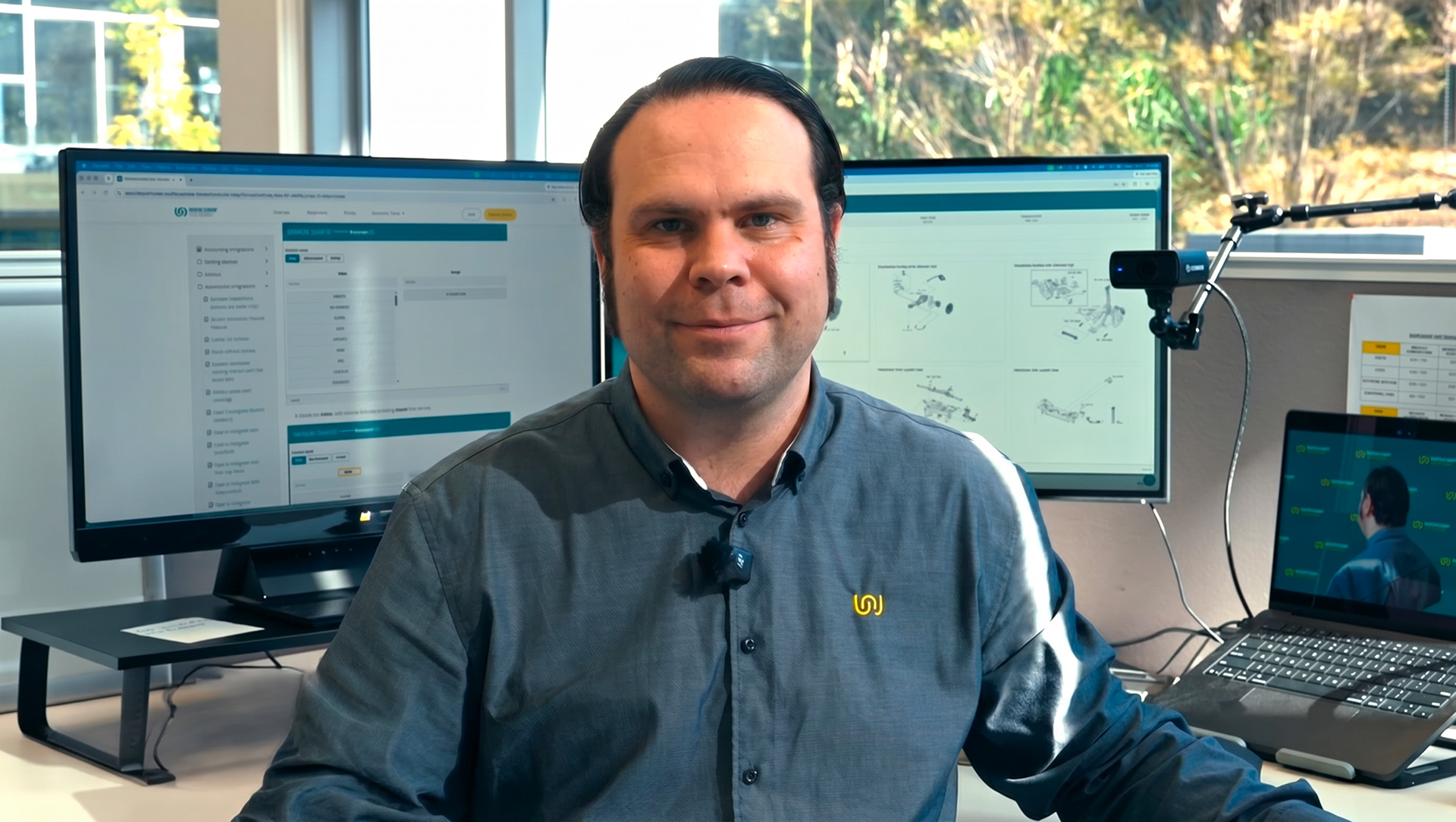
See it in action in this video.
Your In-App Shortcut to Answers
The best part about Workshop Assist is how easy it is to get to. See that little dedicated help icon (usually a question mark or a speech bubble) inside the software? Give that a click, and the help panel pops up right where you are.
Instead of giving you a massive, overwhelming manual, Workshop Assist gives you instant access to everything you need. The help panel pops up right inside the software, so you can quickly search for articles and tips on things like creating a job card or managing your parts inventory without ever leaving the screen you’re on. It’s like having a helpful colleague right there, ready to point you to the right manual page.
Don’t Miss a Beat: The Announcements Section
While you’re in Workshop Assist, take a quick look at the Announcements section. This is where we post all the important news, like when we release a cool new feature, roll out a software update, or have a heads-up about maintenance. It’s a super quick way to stay in the loop without having to check your email or social media.
Quick Answers and Deep Dives
Inside Workshop Assist, you’ll find a full Knowledge Base. This is where you can quickly search for answers to those common “How do I…?” questions. Need to know the best way to handle a specific situation? Want to check if you’re using a feature to its full potential? The answers are all there, written in plain English, ready for you to read and apply.
For the Visual Learners: Video Tutorials
We get it—sometimes reading a guide just doesn’t cut it. You need to see it in action. That’s why Workshop Assist is packed with a library of short, focused Video Tutorials and Walkthroughs.
Whether you’re a visual learner or just need a quick refresher, you can watch a video on things like:
•How to create a new job card from scratch.
•The easiest way to run your end-of-day financial report.
•Tips for managing your stock and inventory.
These videos are designed to be quick and to the point, so you can learn the task and get back to work in minutes.
When You Need a Human Touch
Look, sometimes you hit a wall, and you just need to talk to a person. We’re here for you! Workshop Assist also gives you Direct Support Access.
If you can’t find the answer in the Knowledge Base or videos, you can quickly:
- Email the support team right from the app.
- Get access to the remote support tool if dealing with a support team member.
We want to make sure that when you need us, the path to getting help is as smooth and quick as possible.
Stop Searching, Start Doing
The whole point of Workshop Assist is to help you stop wasting time searching for external help and start getting the most out of your garage management system. It’s all about empowering you to become a power user of Workshop Software, saving you time, and making your day-to-day work easier.
So next time you have a question, skip the Google search and look for that little help icon. Your answer is already waiting for you!
Further Reading
Start here to get the most out of Workshop Software:
- Getting Started Guide
- Workshop Software Essentials
- Browse the Full Knowledge Base
- Workshop University — Free Training for Workshop Owners